If you've received recommendations to implement DMARC, DKIM, or SPF, you might be wondering what these acronyms mean and why they matter. These email authentication protocols are your first line of defence against email-based attacks, and increasingly, they're required for regulatory compliance and maintaining business relationships. They're a core component of any comprehensive cybersecurity strategy.
The Problem: Email Spoofing
By default, email has no built-in way to verify that a message actually came from who it claims. This makes it trivially easy for attackers to send emails that appear to come from your domain, to your clients, suppliers, or employees.
Imagine someone sending invoices to your clients using your company's email address, but routing payments to their own account. Without proper email authentication, this is alarmingly easy to do.
Understanding the Three Protocols
SPF (Sender Policy Framework)
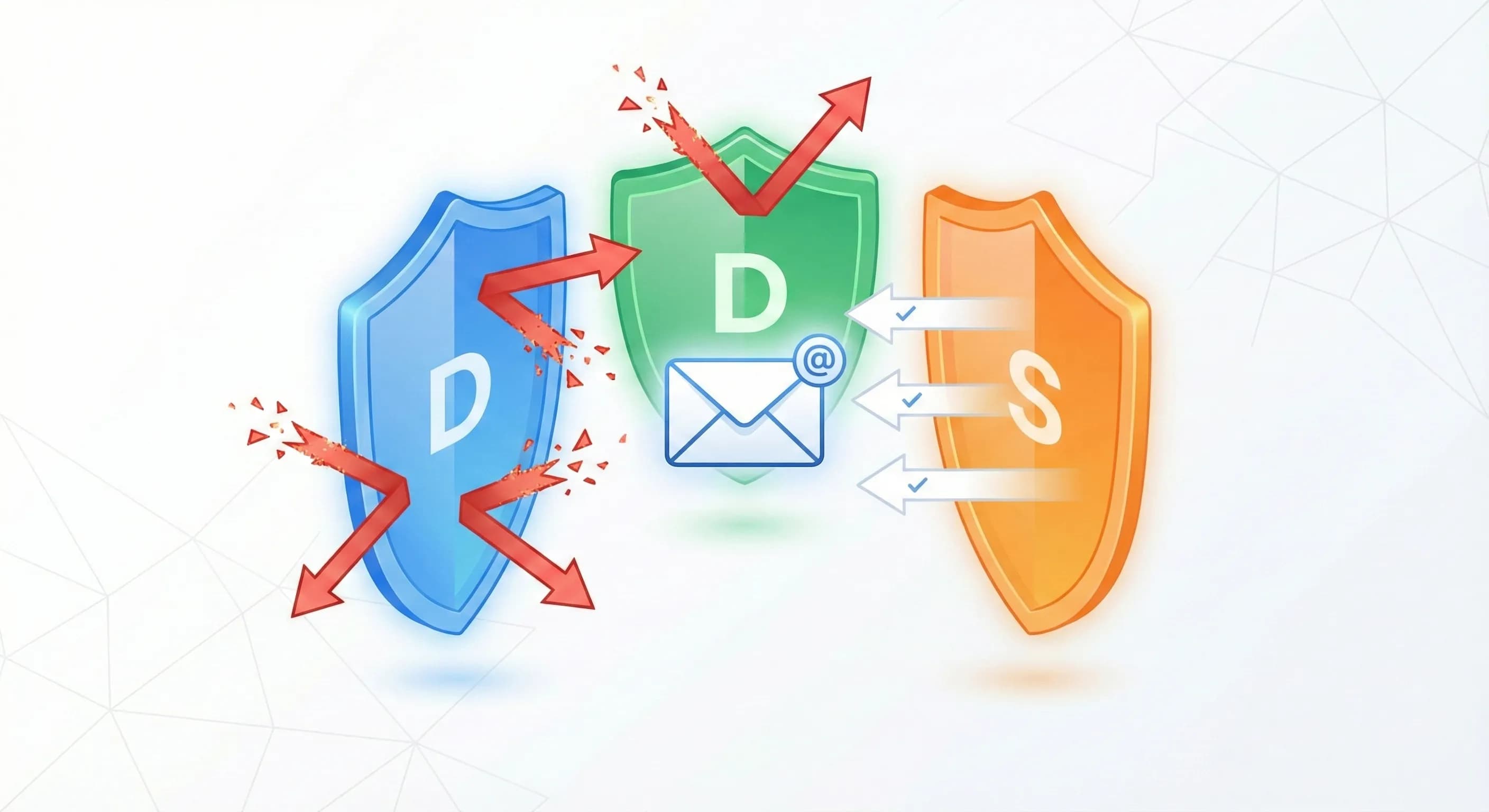
What it does: SPF tells receiving email servers which servers are allowed to send email on behalf of your domain.
Analogy: Think of it as a guest list for your building. Only people on the list can claim to represent your company.
DKIM (DomainKeys Identified Mail)
What it does: DKIM adds a digital signature to your emails, proving they haven't been tampered with in transit.
Analogy: It's like a wax seal on a letter, if it's broken or missing, you know something's wrong.
DMARC (Domain-based Message Authentication, Reporting & Conformance)
What it does: DMARC ties SPF and DKIM together and tells receiving servers what to do with emails that fail authentication. It also provides reports so you can see who's sending email using your domain.
Analogy: DMARC is the security policy that says what to do when someone shows up without proper credentials, and it sends you a daily report of all visitors, legitimate or not.
Why This Matters for Your Business
1. Protect Your Brand
When criminals send phishing emails using your domain, it damages your reputation, even though you weren't involved. Proper email authentication prevents this.
2. Improve Deliverability
Major email providers (Google, Microsoft, Yahoo) now factor authentication into their spam decisions. Properly authenticated emails are more likely to reach inboxes.
3. Meet Compliance Requirements
Many regulatory frameworks and security certifications now require email authentication. Google and Yahoo have made DMARC mandatory for bulk senders since February 2024.
4. Client Requirements
Enterprise clients, particularly in financial services and legal sectors, increasingly require suppliers to have proper email authentication in place. This is part of building a credible information security posture that satisfies client due diligence requirements.
Implementation Path
Implementing email authentication should be done carefully to avoid disrupting legitimate email:
- Audit current email flows: Identify all services sending email on your behalf (your email platform, CRM, marketing tools, etc.)
- Implement SPF: List all authorised sending servers
- Enable DKIM: Configure digital signatures for your domain
- Deploy DMARC in monitoring mode: Start with a policy of "none" to receive reports without affecting email delivery
- Review reports and adjust: Identify any legitimate senders you missed
- Gradually increase enforcement: Move from "none" to "quarantine" to "reject" as confidence grows
Common Pitfalls
- Forgetting third-party senders: Every service that sends email as you needs to be included in your SPF record
- Moving to enforcement too quickly: Always start in monitoring mode
- Not monitoring reports: DMARC reports tell you about authentication failures, review them regularly
- Complex SPF records: SPF has a limit of 10 DNS lookups; complex setups can fail
Getting Started
While the concepts can seem technical, implementation is straightforward with the right guidance. Many managed IT providers offer email authentication as part of their security services, handling the technical details while keeping you informed of the results.
For London businesses looking to strengthen their email security posture, we recommend starting with a free email security assessment to understand your current state and create a prioritised implementation plan.